Put a form on the web and spam arrives within days: fake leads, links to dodgy shops, the same message fifty times. The usual fix is a CAPTCHA, but you don't need to make every visitor prove they're human to keep bots out. Most spam can be stopped with checks people never see.
This guide covers ten ways to stop spam form submissions without a CAPTCHA, from the cheapest to the strongest, with code you can copy and a simple plan for combining them. If you'd rather skip the code, Tapzy forms run all of them for you, with bot protection switched on from the moment you publish.
Why your form gets spam
Almost all form spam comes from three sources:
- Generic bots. Scripts crawl the web for
<form>tags, fill in every field they find and submit. They don't know or care what your form is for. - Targeted scripts. Someone writes a script for your form in particular, usually to push links or test stolen card or account details. Rarer, but faster and more persistent.
- People. Paid spammers pasting sales pitches into contact forms, or real visitors entering fake email addresses to get a download without giving their details.
Each needs a different defence, which is why one check is never enough.
Signs your form is being hit by bots
- Responses arrive in bursts, dozens within a minute or two, often at night.
- Every field is filled in, including optional ones real people skip.
- Names are random strings, or the name field contains a URL.
- Messages are full of links, offer SEO or crypto deals, or are in a language your audience doesn't use.
- Email addresses are from throwaway inboxes, bounce, or follow-up calls go nowhere.
Spam isn't only annoying. It fills your CRM with junk, skews your survey results, wastes your sales team's time and can use up the response allowance on your plan.
The trouble with CAPTCHA
A CAPTCHA asks every visitor to do something a bot supposedly can't: pick the traffic lights, read warped letters, tick a box. It does stop some generic bots, but it has real costs:
- It adds a step for everyone. Every extra step loses some people, and the ones you lose are real customers, not bots.
- It's hard for many people. Image and audio puzzles are a known problem for people with low vision and those using screen readers.
- It doesn't stop people. Spam typed by hand passes any puzzle, and paid solving services handle puzzles for bots too.
- It can bring privacy questions. Some CAPTCHA services load third-party scripts that may need mentioning in your cookie or privacy notice.
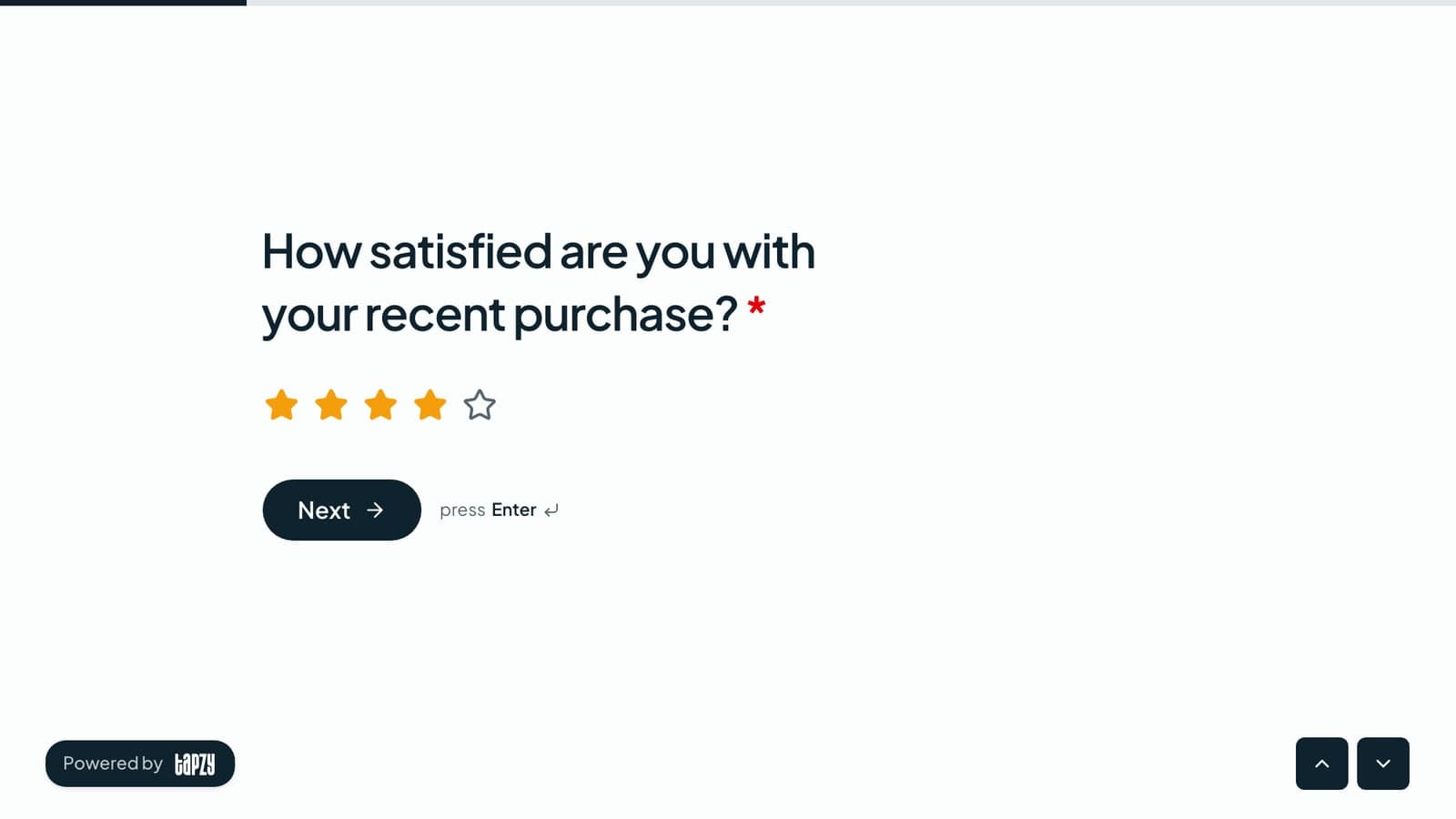
Every visitor stops to pick traffic lights or tick a box. Some give up, some can't do it, and hand-typed spam still gets through.
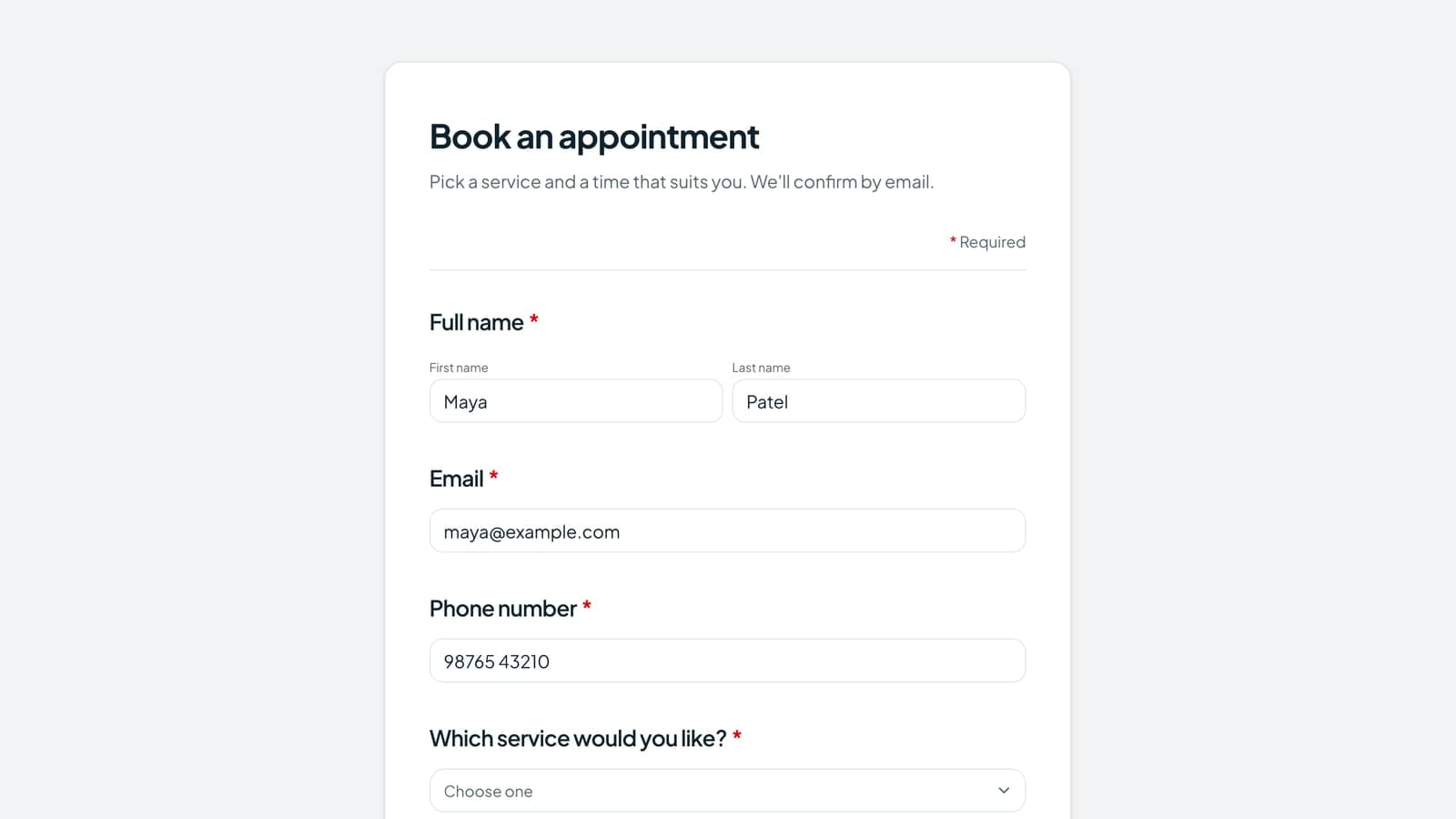
A hidden field, a background puzzle, rate limits and a spam filter run without anyone noticing. Bots are kept as spam quietly.
So start with the invisible checks below, and keep a challenge such as Cloudflare Turnstile for the visitors that look risky, not for everyone. Method 9 shows how.
1. Add a honeypot field
A honeypot is an extra field that people can't see, so they leave it empty. Generic bots fill in every input they find, so a submission with something in the honeypot is almost certainly a bot. It's the single most effective CAPTCHA alternative for the effort.
<div class="hp" aria-hidden="true">
  <label for="company_website">Leave this empty</label>
  <input id="company_website" name="company_website"
         type="text" tabindex="-1" autocomplete="off">
</div>

<style>
  .hp { position: absolute; left: -10000px; }
</style>
A few details make the difference:
- Hide it with CSS, not
type="hidden". Many bots skip hidden inputs but fill visible-looking text fields. - Keep it away from people.
tabindex="-1"keeps keyboard users out,aria-hiddenhides it from screen readers, andautocomplete="off"stops browsers filling it in. - Give it a believable name. A name like
websitelooks worth filling to a bot. - Check it on the server. The browser can't be trusted to do it for you.
- Don't show an error. Accept the submission, say thanks and keep it as spam. An error tells the bot's author which field to skip.
app.post("/contact", async (req, res) => {
  const trapped = (req.body.company_website ?? "").trim() !== "";

  // Save it either way, so you can check for mistakes later
  await saveResponse({ ...req.body, isSpam: trapped });

  // Same thank-you for everyone: the bot learns nothing
  res.json({ ok: true });
});2. Rate-limit submissions
A person sends a form once, maybe twice. A bot sends it hundreds of times. A rate limit caps how many submissions one visitor can send to a form in a short window, and refuses the rest.
Set it well above normal use. A handful per minute is plenty for real people, including an office or school where many people share one connection, and it turns a flood of thousands into a trickle. Count per form, so a busy form doesn't block a quiet one. Tapzy allows 8 submissions a minute from one visitor to one form.
3. Stop duplicate submissions
Repeat submissions are the next most common junk: a double click, an impatient refresh, a script replaying the same request, or one person entering a giveaway ten times. There are two ways to catch them:
- Per browser. Remember in the browser that it already responded. Free and invisible, but another device or a private window can respond again.
- Per answer. Refuse a response that repeats an answer that must be unique, such as an email address, phone number or member ID. This holds on any device.
Only count finished, genuine responses, so a half-finished or spam response never stops a real person trying again.
4. Add a time check
People take time to read and type. Bots submit a form a fraction of a second after loading it. Record when the form was shown and flag any submission that arrives faster than a person could manage. Two or three seconds is a safe floor for most forms.
- Sign the start time on the server, so a bot can't simply send an old timestamp.
- Keep the threshold low. Browser autofill and password managers make some people very fast.
- Flag, don't block, so you can tune the number by looking at what it catches.
5. Make every submission do a little work
A proof-of-work check is a CAPTCHA alternative the visitor never sees. When the form opens, the server hands the browser a signed token and a small maths puzzle. The browser solves it in the background while the person fills in the form, a moment's work even on a phone, and sends the answer with the response.
- A script posting straight to your server has no token, so it's caught at once.
- A script that fetches tokens pays the puzzle's cost for every single response, which makes mass spam slow and expensive.
- Each token is good for one response, so an answer can't be replayed.
Pair it with a check for automation signs, such as headless browser user agents and the browser's own “automated” flag, and you catch most bots without a single puzzle for people.
6. Validate every answer on the server
Bots don't use your page. They send requests straight to the address your form posts to, so checks that run only in the browser don't apply to them. Repeat every rule on the server:
- Required fields are filled in.
- Email addresses, phone numbers and URLs have a valid format.
- Choices are one of the options you offered, not any text.
- Answers have sensible maximum lengths.
- Fields you didn't ask for are ignored.
This alone breaks a surprising number of scripts, which send the wrong field names or values your form would never produce. It's also basic security, not only spam control.
Set an answer format on free-text fields
Free-text fields are where spam lands, so tell each one what a real answer looks like. A format rule turns away link drops and junk before they're ever saved, and shows real people a clear message so they can fix a typo:
| Field | Rule | What it stops |
|---|---|---|
| Name | Letters only | URLs, emails and keyboard mash in the name |
| Company or job title | Doesn’t contain “http” | Links pasted into short fields |
| Member, order or invoice ID | Starts with “INV-” or digits only | Made-up and random values |
| Postcode or PIN code | UK postcode, US ZIP or India PIN | Fake addresses and filler text |
| Username or code | No spaces, or letters and digits | Sentences and pitches in a code field |
| Any short answer | A max length, such as 60 characters | Long sales pitches in a one-line field |
Check the rule on the server too, and keep it generous: letters in any language, hyphens and apostrophes should pass a name rule, or you'll turn away real people.
7. Filter spam content
Some spam gets past every structural check because a real person typed it: the SEO pitch, the crypto offer, the “I noticed your website” message. Its content gives it away. A good spam filter scores a response on several signals and only acts when they add up:
- Links where they don't belong. A name or company field should never contain a web address, and several links in a message is a strong signal.
- Sales and scam phrases. “Rank your website”, “guest post”, crypto and loan offers.
- Text dressed up to dodge filters. Invisible characters, lookalike letters from other alphabets, shouting in capitals and keyboard mash.
- Throwaway email addresses. Temporary inboxes such as Mailinator are a common sign of fake sign-ups. For B2B forms you can also turn away personal addresses like Gmail.
- Your own blocked words and senders. Keep a short list based on what you actually receive, rather than a huge list copied from the web.
Weight the signals so one link to someone's portfolio doesn't flag a real message, and always keep filtered responses as spam for review instead of throwing them away. Content filters are the easiest place to catch real people by mistake.
8. Verify with a one-time code
The steps above stop bots and pitches. They don't stop a real person typing test@test.com to get your download. If fake contact details cost you something (sales calls, prizes, waitlist places, event seats), ask for proof.
A one-time code does that: when someone enters their email address or phone number, send a 6-digit code to it by email, WhatsApp or SMS, and only accept the form once they type it back. For email, Google sign-in does the same in one click. It adds one step, so save it for forms where a real contact matters. We cover it in detail in how to verify form respondents by email, WhatsApp or SMS code.
9. Write firewall rules for your form
When spam keeps coming from the same place, a rule beats a guess. A form firewall lets you act on who is responding and what they answered:
- Block by country when your form only serves one market, such as “country is not India”.
- Allow your office IP so your team's tests are never filtered.
- Keep as spam by answer, such as “Company contains test”, or by email domain.
- Challenge only the risky visitors, such as traffic from an unexpected referrer, with a check like Cloudflare Turnstile. Everyone else never sees it.
Try a new rule in log-only mode first: it counts what it would catch without acting, so you can check it won't block real people.
10. Review, mark as spam and block senders
Nothing catches everything, so make the last step quick: a way to mark a response as spam in one click, a filter that hides spam from your results, and a rule that spam never reaches your CRM, spreadsheet or inbox. Keep flagged responses rather than deleting them, so you can check for mistakes. When the same person keeps coming back, block their email address or domain so future responses go straight to spam.
The methods compared
| Method | Stops | Extra work for people | Effort to add |
|---|---|---|---|
| Honeypot field | Scripts that fill every field | None | Low |
| Rate limit | Floods from one visitor | None | Low |
| Duplicate check | Repeat entries | None | Low |
| Time check | Instant bot submissions | None | Low |
| Proof-of-work token | Scripts posting directly, mass spam | None | Medium |
| Server validation and answer formats | Malformed requests, links in short fields | None | Medium |
| Spam content filter | Pitches, links, throwaway emails | None | Medium |
| One-time code | Fake email addresses and numbers | One code or one click | Medium |
| Firewall rules | Spam from one country, IP or source | None (a challenge only if you choose) | Medium |
| Review and block | Whatever slips through | None (a click for you) | Low |
| CAPTCHA on every form | Some generic bots | A puzzle for everyone | Low |
Which ones do you need?
Match the checks to what a fake response costs you:
- Honeypot, time check and proof of work
- Rate limit
- Answer formats on name and short fields
- Spam content filter
- Review and block senders
- Everything for a contact form
- Block temporary emails
- Email code or Google sign-in
- Everything for a contact form
- Business emails only
- WhatsApp or SMS code verification
- Everything for a contact form
- Code verification
- Duplicate check by answer
Only if a form is still flooded after all of that, add a challenge, and only for the visitors a firewall rule picks out, not your whole audience.
How Tapzy stops form spam without a CAPTCHA
If you don't want to build and maintain all of this yourself, use a form builder that does it for you. Here's how to get a spam-protected form in Tapzy, with no code and no puzzles.
Step 1: Create your form
Sign up free, go to Forms and start from a blank form or a template. Add your questions as usual.
Step 2: Publish it: bot protection is already on
Bot protection is always on, on every plan, with nothing to set up:
- A hidden trap field that bots fill and people never see.
- An invisible puzzle the browser solves while people type, with a signed token that's good for one response.
- A time check: a form sent less than 2 seconds after it opened wasn't typed by a person.
- Automation checks for headless browsers and automated tools.
- A rate limit of 8 submissions a minute from one visitor to one form.
Suspected bots get a normal thank-you, so they learn nothing, and their response is kept as spam with the reason. Settings › Bot protection shows what was stopped and why, and one click on Not spam brings back anything caught by mistake.
Step 3: Tune the spam filter
The Spam filter reads each response for sales pitches, scams and junk. Pick a level (Relaxed, Balanced or Strict), keep Block temporary email addresses on, and turn on Business emails only for B2B forms. Add Blocked words and Blocked senders as you learn what your spam looks like. Tapzy also catches the same pitch or address hitting many Tapzy forms at once, without ever sharing one account's responses with another.
Step 4: Set answer formats on short text fields
Click a Short text field and set Min characters and Max characters, then pick an Answer format:
- Characters: Letters only, Digits only, Letters and digits, or No spaces.
- Text: Starts with…, Ends with…, Contains… or Doesn't contain….
- Common formats: US ZIP code, UK postcode, India PIN code, India PAN or Hex colour.
- Advanced: a custom pattern (regex).
Write your own Error message or keep the default, and use Try an answer to test the rule before you publish. Tapzy checks it again on the server, so a bot posting directly can't skip it.
Step 5: Add rules, duplicate checks and verification where they matter
- Firewall rules: allow, block, keep as spam or challenge with Cloudflare Turnstile by country, city, device, browser, IP, referrer, UTM, email domain or an answer, with log-only mode to test first.
- Prevent duplicate submissions: by Same browser, or by Same answer so one email can enter once on any device.
- Verification: an email code or Google sign-in on Email fields, and WhatsApp or SMS codes on Phone fields. WhatsApp needs no setup; SMS sends from your own Twilio account.
Step 6: Review what's left
Spam stays out of your responses until you turn on Show spam. It doesn't count toward your plan's limits and isn't sent to your integrations or notification emails. If anything slips through, Mark as spam or Block sender from the response in one click.
More detail on how spam protection works and verified responses.