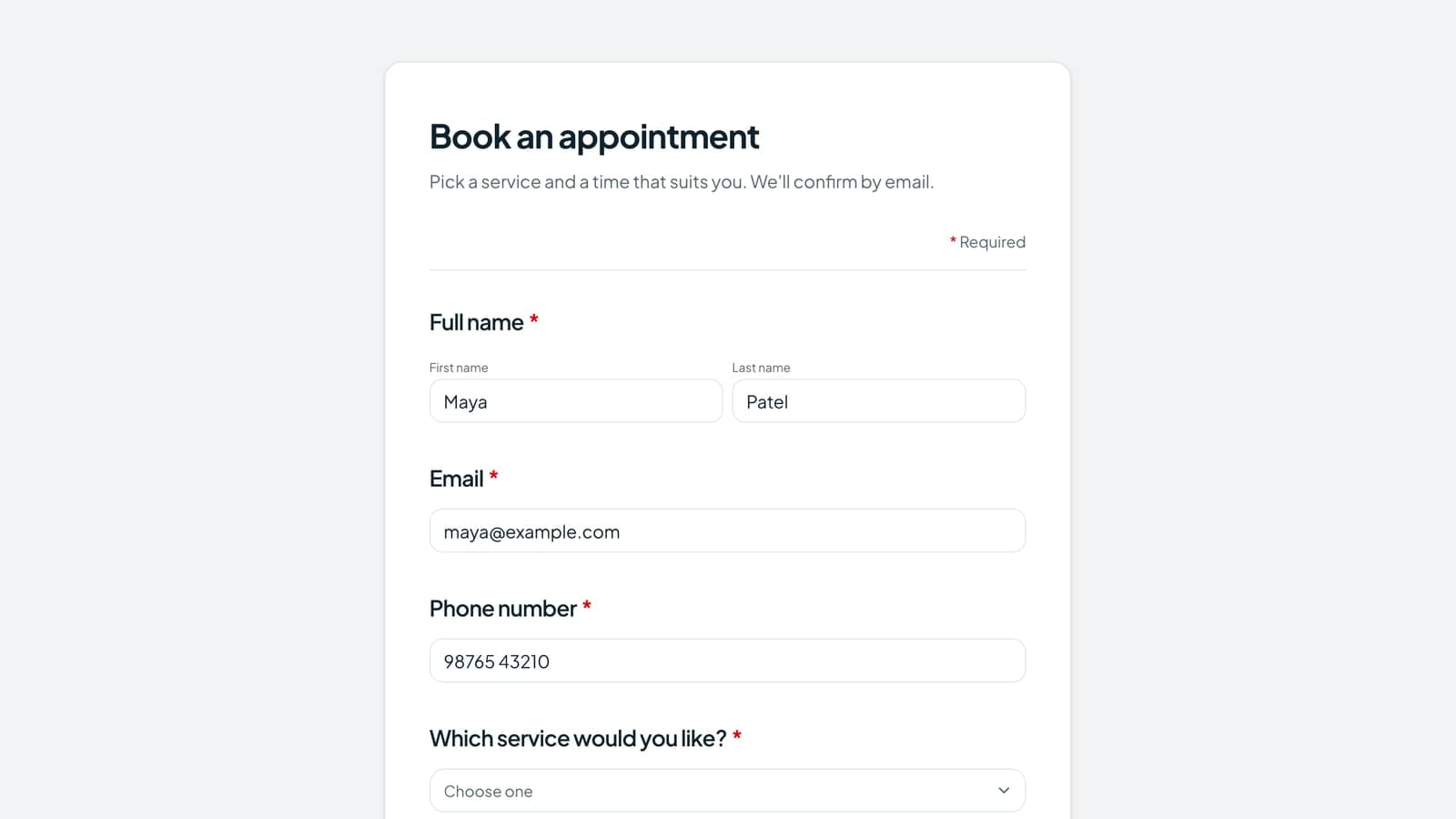
An OTP verification form makes every respondent confirm their email address or phone number before they can submit. Tapzy gives you four ways to do it, all built in: a 6-digit code by email, WhatsApp or SMS, or one-click Google sign-in for email addresses.
Without that check, a form accepts whatever people, or bots, type into it: fake emails, mistyped phone numbers, throwaway addresses and duplicate entries. Each one costs you a bounced email, a wasted call or a skewed result. WhatsApp codes need no setup, and every Tapzy account gets 10 free WhatsApp verification credits to try them.
What is an OTP verification form?
An OTP verification form is an online form that sends a one-time password (OTP), usually a 6-digit code, to the email address or phone number a respondent enters. The form only accepts the response after they type the correct code back, which proves they can receive messages at that address or number.
It's the same check banks and apps use at sign-in, applied to a form. It proves one thing: the person had access to that inbox or phone when they filled in the form. It doesn't prove who they are, and it works best alongside the invisible spam checks that stop bots before they reach the code step.
How OTP verification works in a form
OTP verification adds one short check between typing a contact detail and pressing submit. Here's what a respondent sees on a Tapzy form:
- They enter their email or phone number and tap Send code (or Send code on WhatsApp) next to the field.
- A 6-digit code arrives by email, WhatsApp message or text, depending on how you set up the field.
- They type the code into the code boxes within 5 minutes. If it doesn't arrive, Resend code unlocks after 60 seconds.
- The answer is marked Verified and locks, so it can't be swapped for another address. Change email or Change number starts again.
- They submit the form. The server checks the verification again before it saves the response.
With Google sign-in there's no code at all: the respondent taps Continue with Google, picks their account in a pop-up, and the address Google has already verified becomes their answer.
Step 5 is the one that matters. If the code were only checked in the browser, anyone could skip it by sending the form data straight to the server. In Tapzy, the server refuses a response unless the exact address or number in the answer was verified on that form, and each verification can be used for one response only. An optional Email or Phone field left blank, or hidden by form logic, has nothing to verify and doesn't block the form.
Email, WhatsApp, SMS or Google sign-in: which should you use?
Use an email code or Google sign-in when you need a working email address. Use WhatsApp for phone numbers in most cases: it needs no setup and reaches people where they already chat. Choose SMS when your audience doesn't use WhatsApp or you already have a Twilio number.
| Email code | Google sign-in | WhatsApp code | SMS code | |
|---|---|---|---|---|
| Verifies | Email address | Email address | Phone number | Phone number |
| Setup | None | None | None | Connect your Twilio |
| Cost per check | None | None | 1 credit per code | Twilio's price per text |
| Respondent needs | Any inbox | A Google account (or falls back to a code) | WhatsApp on that number | A phone that gets texts |
| Best for | Sign-ups, waitlists, surveys | Gmail and Google Workspace audiences | Leads and bookings where WhatsApp is the main app | Regions where SMS is the norm |
Our recommendation: verify email with a code or Google sign-in on any form where a reachable email matters, and verify phone numbers on WhatsApp where a working number is worth a credit. One verified contact per form is usually enough.
WhatsApp OTP verification: no setup, 10 free credits
WhatsApp OTP verification sends the 6-digit code as a WhatsApp message from Tapzy's official WhatsApp sender, powered by MYWA.net. There's no WhatsApp Business account, template or API key for you to set up: pick WhatsApp on the Phone field and it works.
- 1 credit = 1 code. Every code sent, including a resend, uses one WhatsApp credit.
- 10 free credits to start. Every Tapzy account gets 10 welcome credits that never expire.
- Monthly credits on paid plans. Plans can include credits every month. They're used first and reset at the start of each billing cycle.
- Top up any time. Buy credit packs under Account › WhatsApp credits. Bought credits never expire.
- Failed codes are refunded. If a code can't be sent, or the number turns out not to be on WhatsApp, the credit goes back to your balance.
- Running low? Tapzy emails you, and the credits screen shows every code sent and where your credits went.
Verify email with Google sign-in
Google sign-in verifies an email address in one click, with no code to wait for. The respondent taps Continue with Google, picks an account, and the form fills in the address Google has already verified. It's the fastest option for Gmail and Google Workspace audiences, such as schools, internal forms and B2B leads.
People without a Google account aren't shut out: they can verify with a 6-digit code emailed to them instead. Turn on Google accounts only if you want to accept Google accounts and nothing else.
Why verify form respondents?
Verifying respondents means every response you keep comes from a real person you can reach. For contact details, it's the strongest form spam protection you can add, and it pays off in six ways:
- It stops fake and bot submissions. A script can fill a field, but it can't read a code from an inbox or phone it doesn't own.
- Your leads are cleaner. Your sales team stops calling numbers that don't exist.
- Typos are caught on the spot. A mistyped address never receives the code, so the respondent fixes it before submitting.
- You get fewer duplicates. Each entry is tied to a working email or phone number, so repeat entries are easy to spot.
- Your survey results are easier to trust. Answers come from people you can reach, not throwaway addresses.
- Your consent records are stronger. A verified address shows the person controlled that inbox when they agreed, which supports your consent checkbox. It doesn't replace legal advice.
How to add OTP verification to a form in Tapzy (no coding)
In Tapzy, OTP verification is a switch on any Email or Phone field. There's no code to write, and email codes, Google sign-in and WhatsApp codes need no setup of your own. It takes six steps:
Step 1: Create a form or pick a template
Sign up for Tapzy, go to Forms and click Create form. Start blank or choose a template, such as appointment booking or lead capture.
Step 2: Add an Email or Phone field
Add an Email field to verify email addresses, or a Phone field for a phone number verification form. Put it where you ask for contact details.
Step 3: Switch on verification and choose how
Email field: switch on Verify email address, then under Verify with choose One-time code (a 6-digit code by email) or Google sign-in.
Phone field: switch on Verify with a one-time code, then under Send codes by choose WhatsApp (the default, nothing to connect) or SMS via Twilio. For SMS, add your Twilio Account SID and Auth Token and choose a Twilio number or Messaging Service to send from; Twilio bills you per text.
Step 4: Set countries and test
On the Phone field, set a Default country and use Accept numbers from to limit where codes can go. Every code costs a credit or a text, and premium-rate numbers abroad are a common abuse, so list only the countries you serve.
Then test the form yourself. For SMS, Twilio's Test mode texts nothing and accepts 000000; switch to Live before you share. Add a short line under the field too, such as “We'll send a 6-digit code on WhatsApp to confirm your number.”
Step 5: Publish and share
Publish the form and share it by link, embed it on your website, print its QR code or add it to your bio page. Respondents see the Send code or Continue with Google button next to the field.
Step 6: Work with verified responses
Verified answers carry a verified badge in your responses, and CSV exports add a “(verified)” column. You can also keep unverified responses out of the rest of your workflow:
- Only send verified responses to Google Sheets, HubSpot or Notion.
- Only count verified responses as Meta Pixel conversions.
- Only alert me about verified responses for your email notifications.
- Only send to a verified address for the respondent's copy of their answers.
Is OTP verification secure? What Tapzy does behind the scenes
A form OTP is only as strong as its limits. These apply to email, WhatsApp and SMS codes on every Tapzy form, with nothing to configure:
| Setting | Tapzy |
|---|---|
| Code length | 6 digits |
| Code expiry | 5 minutes |
| Wrong tries per code | 5, then a new code is needed |
| Resends | Up to 3 after the first code, 60 seconds apart |
| Codes per email or number | 5 every 15 minutes, across all forms |
| Codes per visitor | 10 per hour from one IP address |
| How codes are stored | As keyed hashes, never in plain text |
| Where the check runs | On the server, when the form is submitted |
| Reuse | One verification per response; refill links ask again |
| Time to submit after verifying | 24 hours |
There's also an hourly cap on codes for one account's forms, which protects your credits and your Twilio bill if someone tries to flood a form with requests.
What if the verification code doesn't arrive?
Most missing codes come down to one of five things:
- Email in spam or promotions. Ask respondents to check those folders. The email comes from your form's name with the code in the subject line.
- The number isn't on WhatsApp. The respondent should check the number has WhatsApp, or you can switch the field to SMS. You get the credit back for undelivered codes.
- A typo in the address or number. Tap Change email or Change number, fix it and send a new code.
- A number from a country you don't accept. Only countries in “Accept numbers from” can receive codes.
- Twilio still in Test mode. Nothing is texted in Test mode; switch the connection to Live before you share the form.
If a code is slow, Resend code unlocks after 60 seconds. A new code replaces the old one, so respondents should type the latest code they received.
OTP verification pricing: Tapzy vs other form builders
Tapzy includes email, WhatsApp and SMS OTP verification and Google sign-in on its Pro plan at $20/month. Comparable verification on other popular form builders requires plans around $89/month.
Here's what each tool needs for respondent verification, as of October 2026:
| Tool | Plan needed | Monthly price | Email OTP | WhatsApp OTP | SMS OTP |
|---|---|---|---|---|---|
| Tapzy | Pro | $20 | Yes | Yes, no setup | Yes (your Twilio) |
| Youform | Business | $89 | Yes | No | Yes (your Twilio) |
| Tally | Business | $89 | Yes | No | No |
| Fillout | Conversion Kit add-on | +$100 | Yes | No | Yes (your Twilio) |
| Typeform | Not offered | N/A | No | No | No |
Prices and features are checked from each tool's public pricing and help pages and may change: Youform pricing, Tally pricing, Fillout OTP verification and Fillout Conversion Kit. Fillout's add-on is paid on top of your plan. SMS is also billed per message by your text provider; Tapzy WhatsApp codes use credits.
For a team that only needs verification, the yearly difference is simple:
Tapzy also has a free plan, and every account starts with 10 free WhatsApp credits. If a free plan matters more than verification, Tally, Youform and Fillout have one too. Compare Tapzy plans or start free.
Best use cases for OTP verification forms
OTP verification is worth the extra step whenever a fake or mistyped contact costs you time or money. These are the most common cases:
Lead generation
Every lead your sales team calls has a working number. Verify on WhatsApp, then send only verified leads to HubSpot.
Event registration
Tickets, joining links and reminders reach real inboxes, and limited seats go to people who can attend.
Contests and giveaways
One person can't enter with a dozen made-up addresses, because each entry needs a code from a real inbox or phone.
Job applications
Recruiters can reach every applicant, and a typo in an email address doesn't cost someone an interview.
Appointment booking
Confirm the phone number on WhatsApp or by SMS so reminders arrive and no-shows drop. Start from our appointment booking form templates.
Customer surveys
Tie feedback to real customers so the results reflect them. See our feedback form samples for ready-made questions.
Internal and school forms
Use Google sign-in with “Google accounts only” so only people with a Google or Workspace account can answer.
Voting and polls
Each vote is tied to a verified email or phone number, which makes repeat votes easy to spot and remove.
Best practices for OTP forms
A good OTP form adds one short step for real people and blocks made-up contact details. These six habits keep it that way:
- Verify only the key field. One verified email or phone number is usually enough. Asking for both adds friction.
- Pick the channel your audience uses. WhatsApp where it's the main messaging app, Google sign-in for Gmail and Workspace users, email or SMS elsewhere.
- Explain why you're asking. One line such as “We'll send a 6-digit code to confirm your number” stops people wondering what happened.
- Limit countries. Accept numbers only from where you work, so codes, credits and texts aren't wasted.
- Keep an eye on credits. Check your WhatsApp credits before a big campaign, so verification doesn't pause mid-launch.
- Test before you share. Run through the form yourself on a phone, the way most people will see it.
Start verifying respondents today
An OTP verification form is the simplest way to make sure every response comes from a real person you can reach. It stops fake emails, bot submissions and typos before they reach your inbox, CRM or results. In Tapzy it's one switch on any Email or Phone field, with email, WhatsApp and SMS codes or Google sign-in, and 10 free WhatsApp credits to get started.
Verify every respondent from $20/month. Start free →